+900
Servers
+1700
games and apps supported
+230
Countries
+1300
Data centers on all 5 continents
Experience the online world like never before.
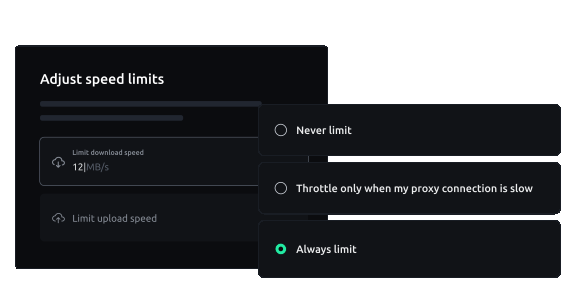
Data travel at its finest.
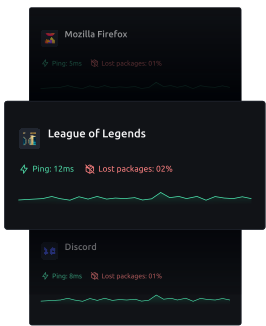

Fast and reliable
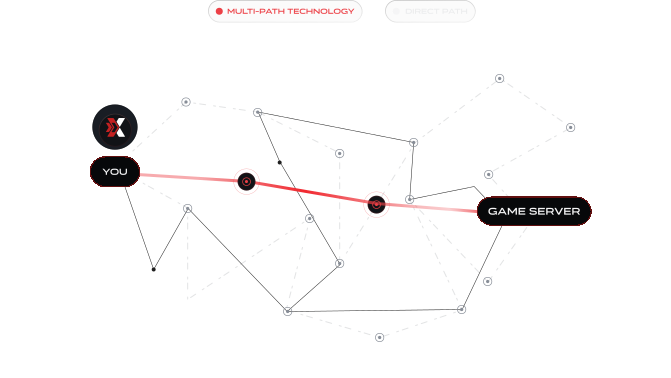
The best on the market.
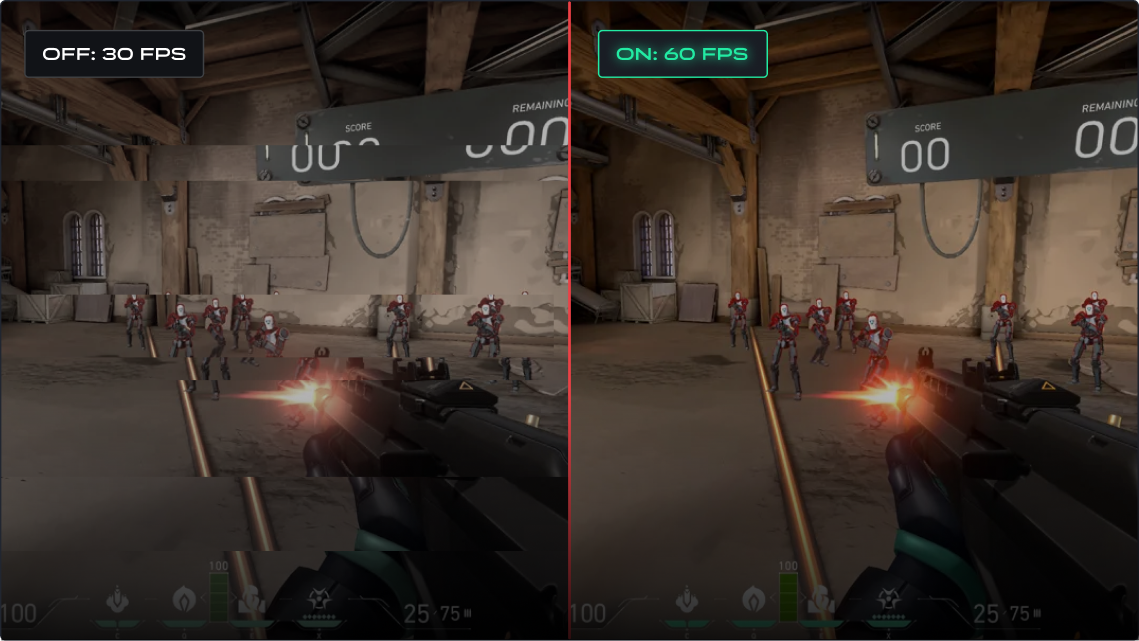
Free performance for your PC.

Online Gaming
Web Browsers
Video Conference Apps
Everything you need to know about the product and billing. Can’t find the answer you’re looking for? Please chat to our team.
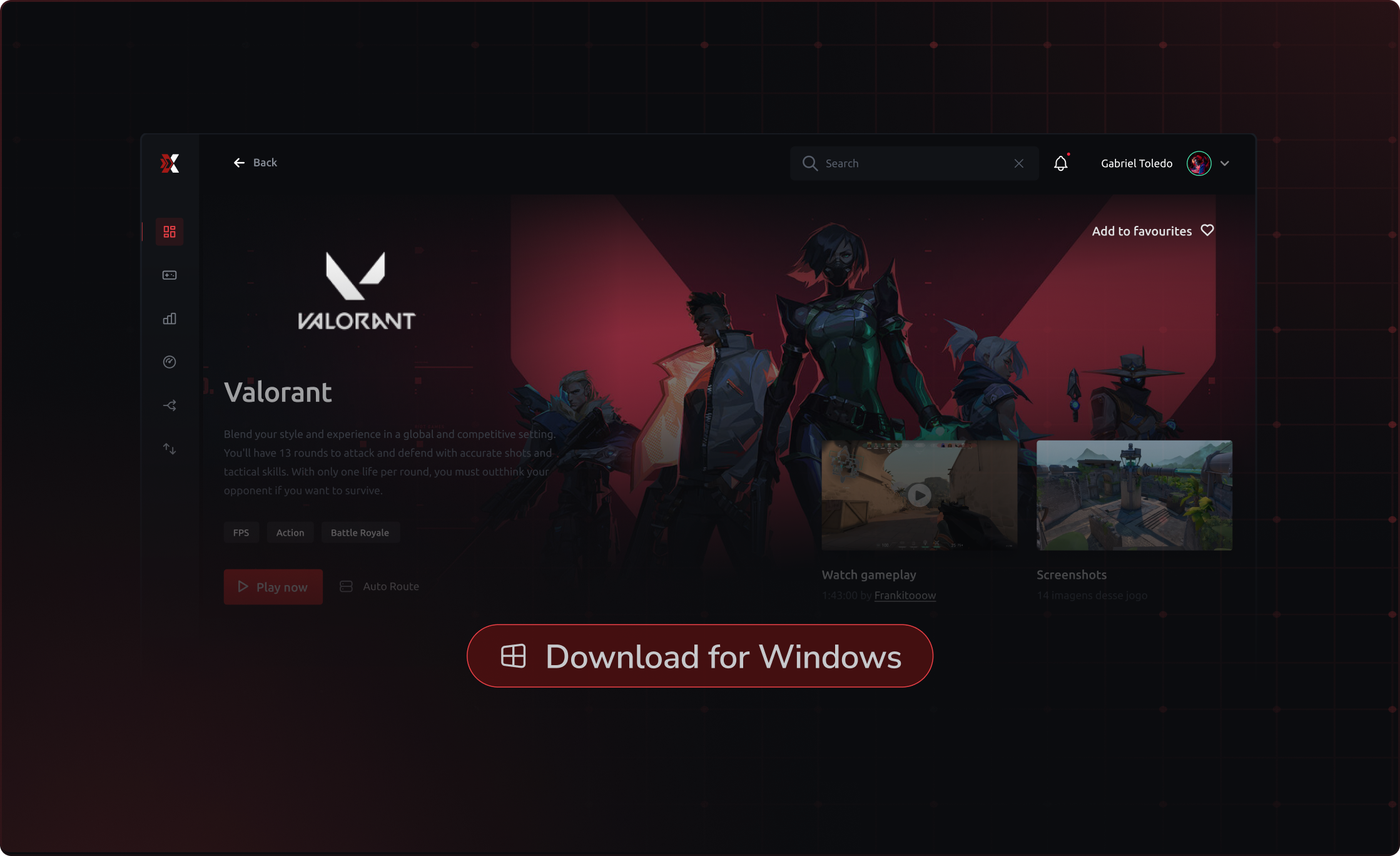
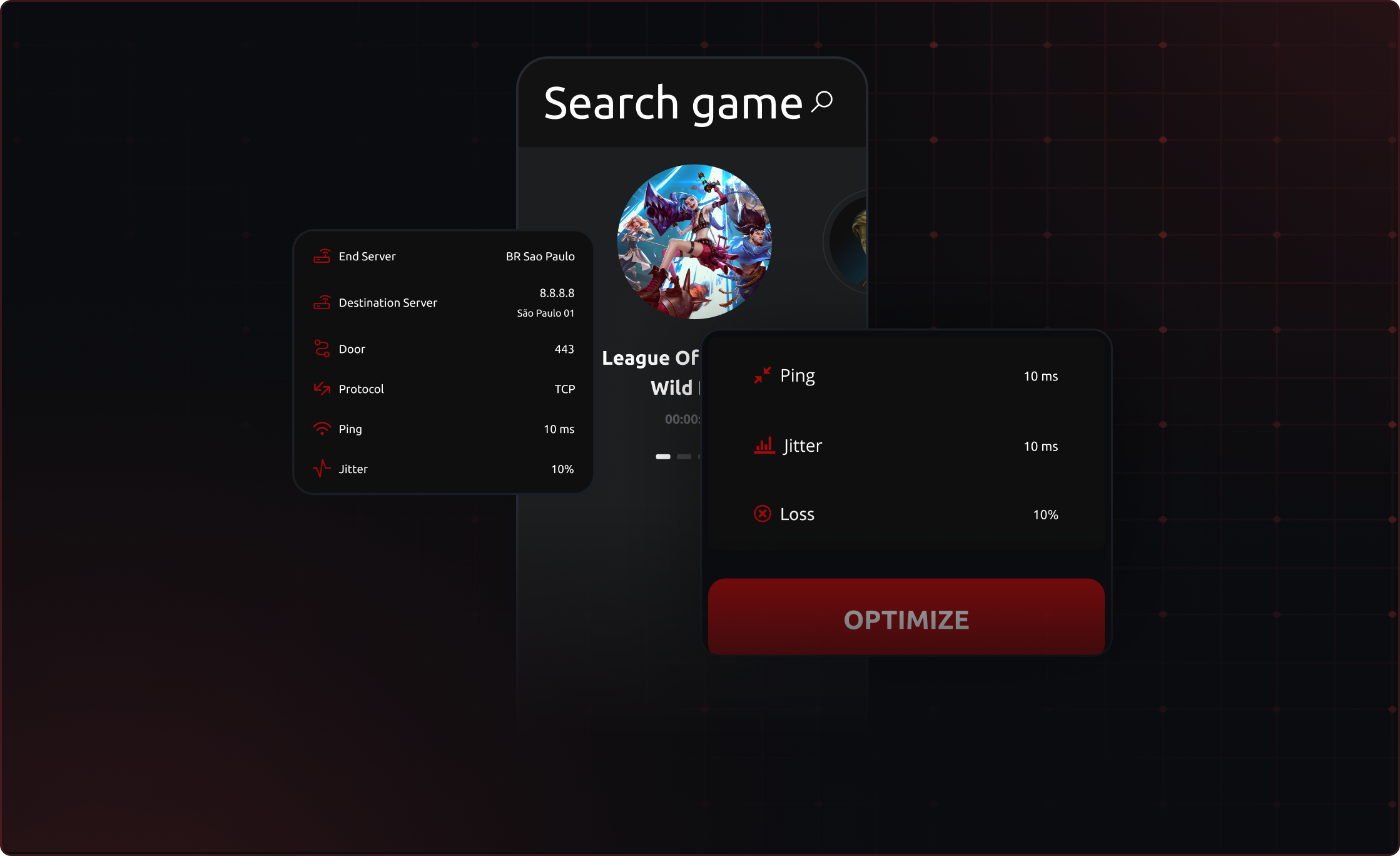
ExitLag is software developed by gamers for gamers that optimizes your connection making it stable, decreasing ping and ridding you of the dreaded freezes or spikes.
In addition to optimizing your connection, ExitLag amplifies your game's performance by increasing frames per second rates with the FPS Boost tool, giving you the best resources and making getting you ahead
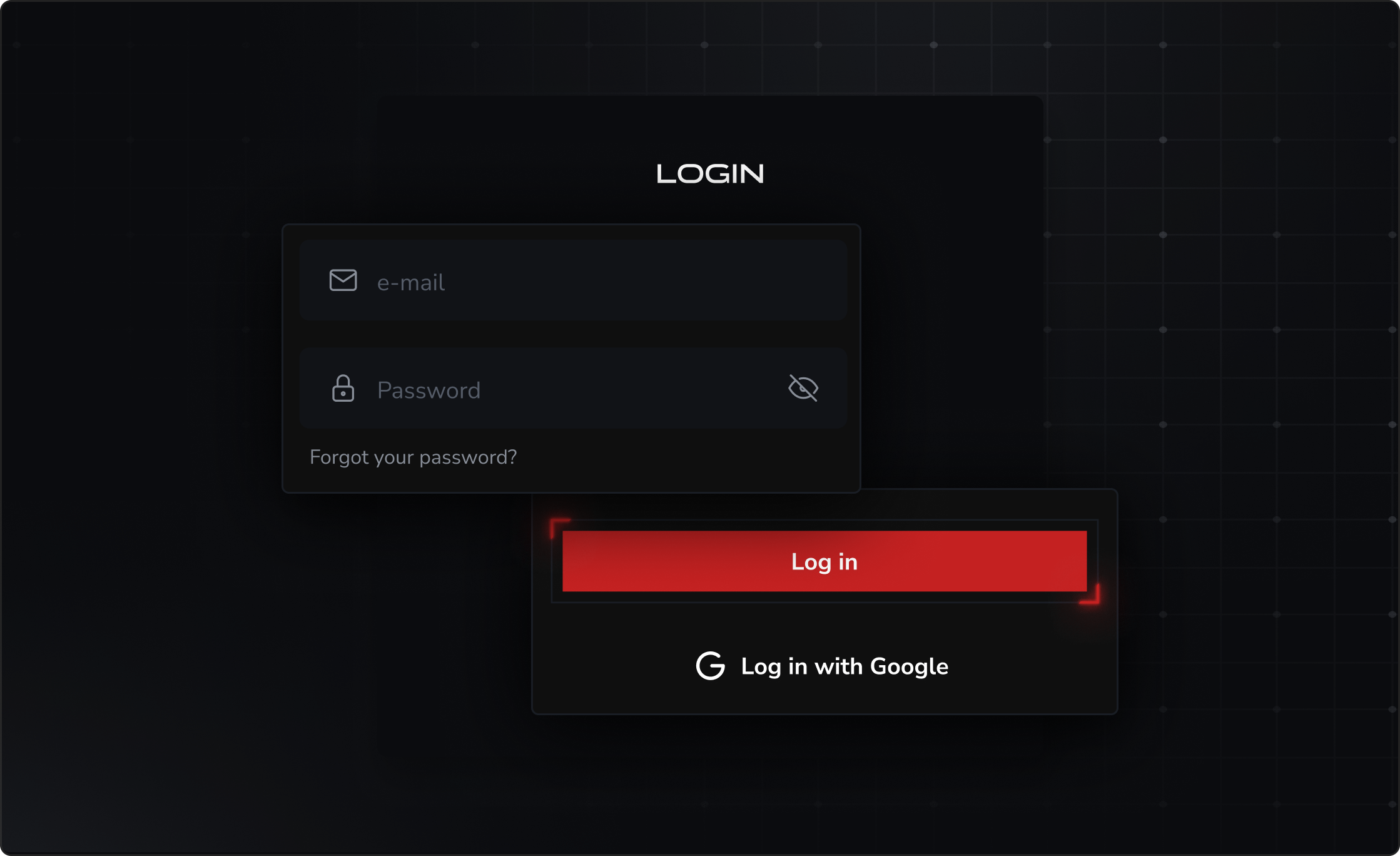
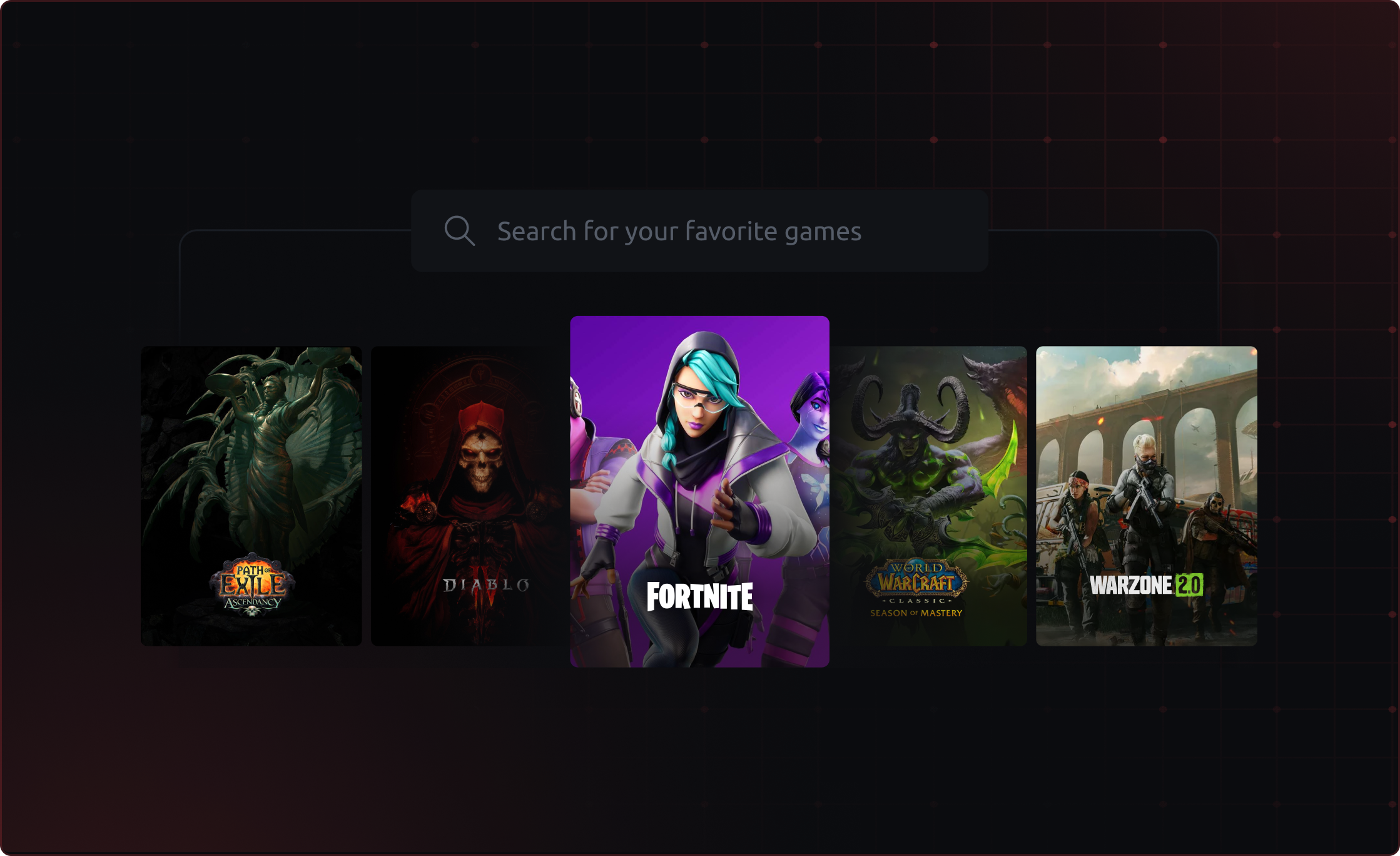
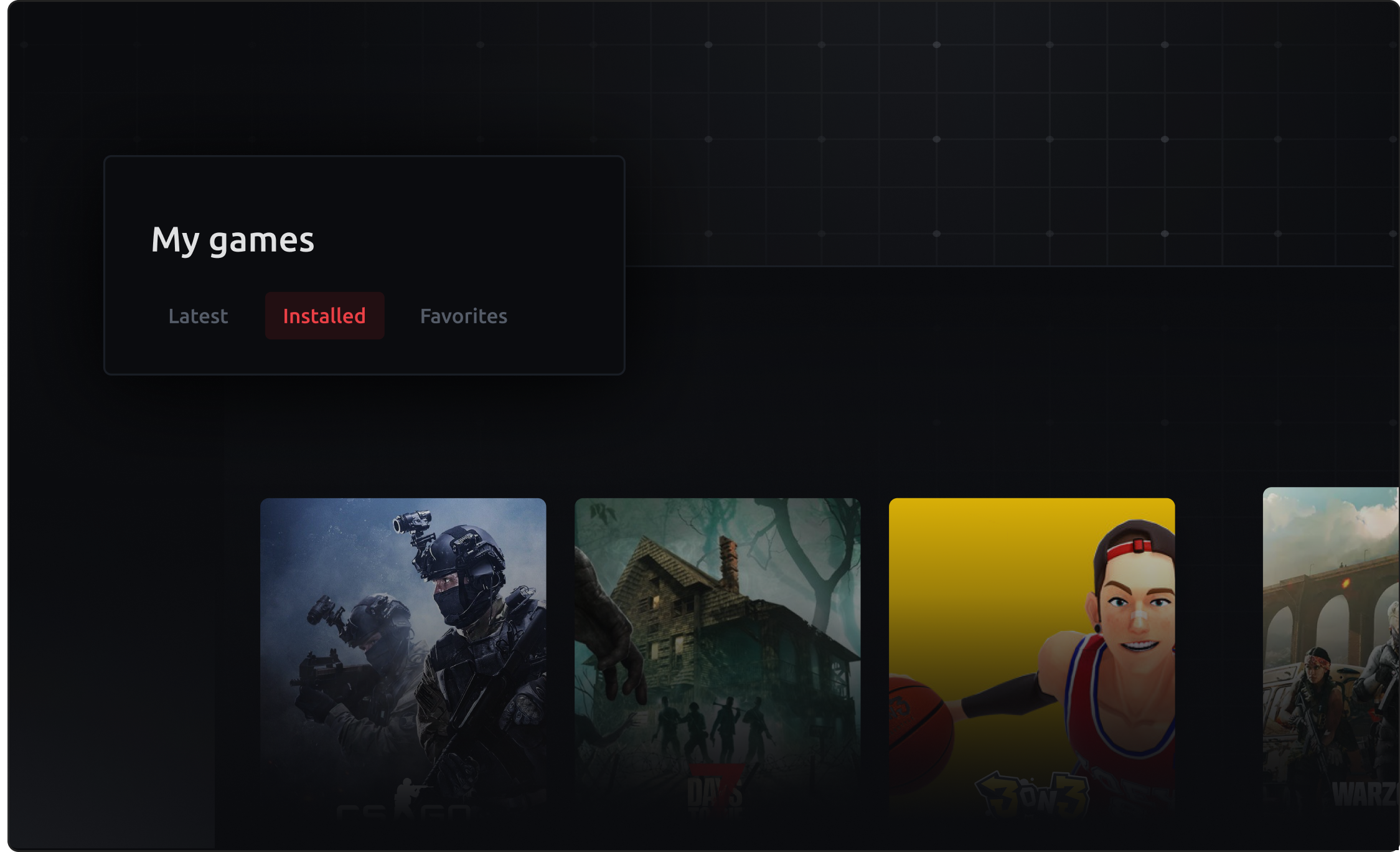
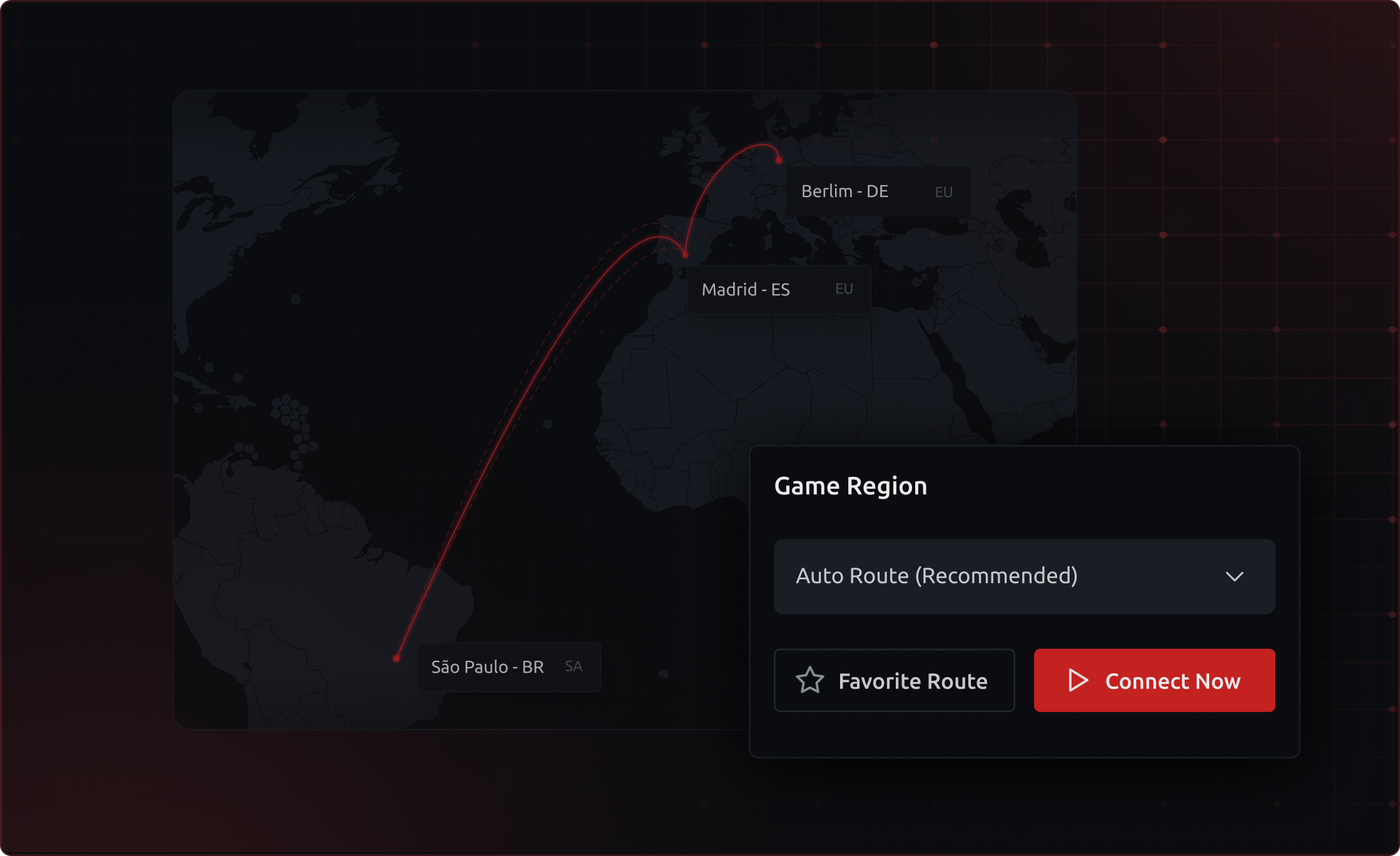
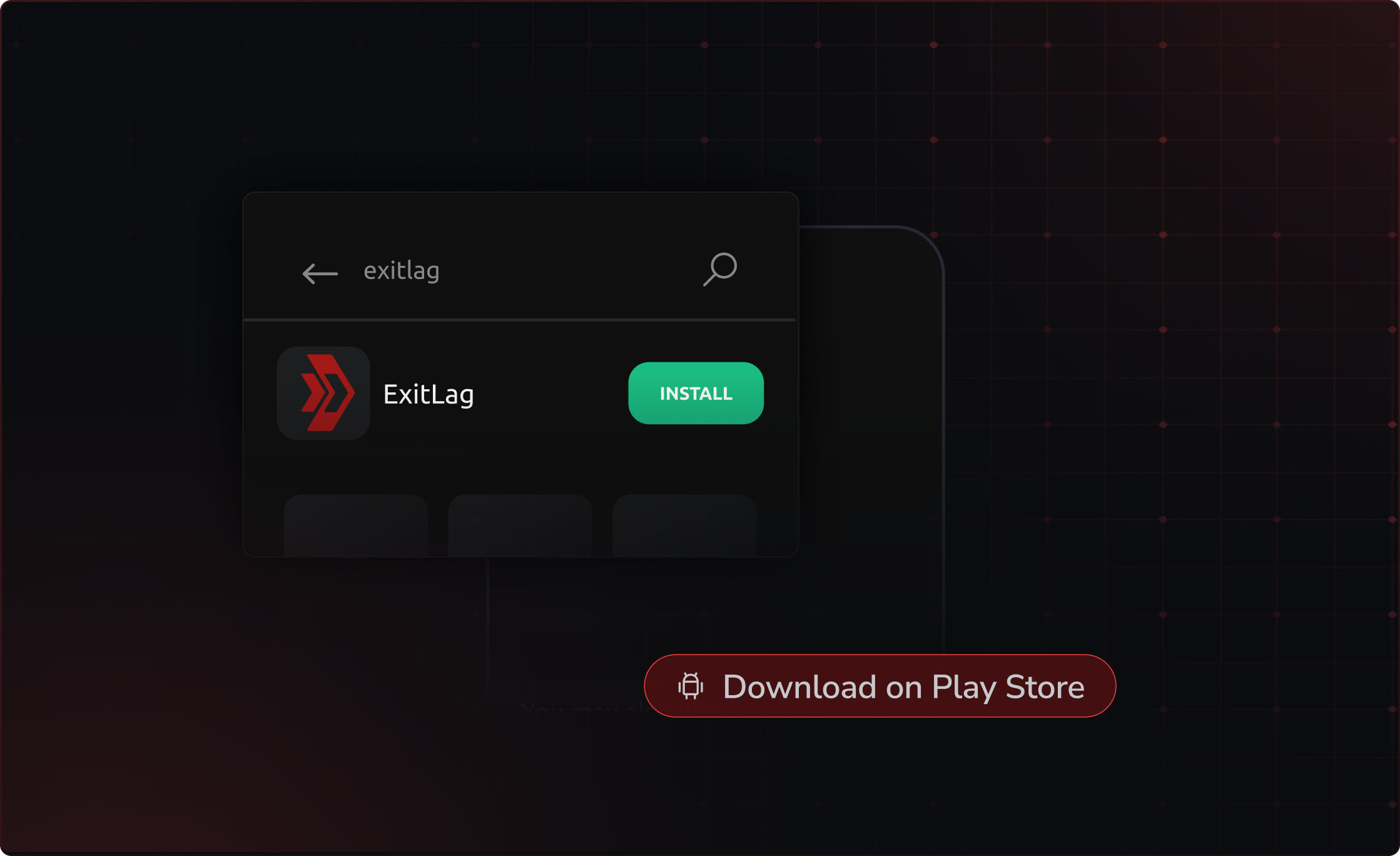
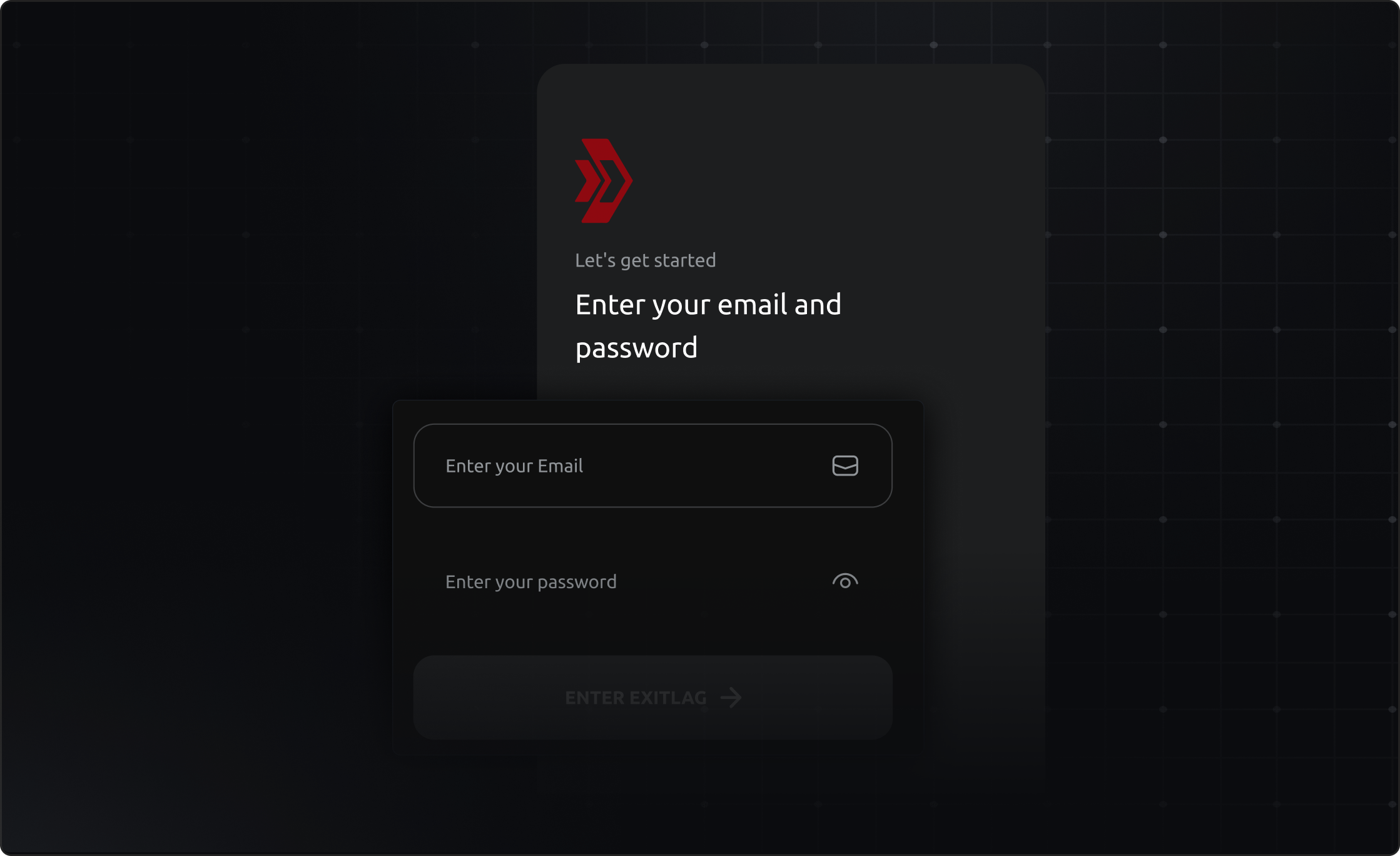
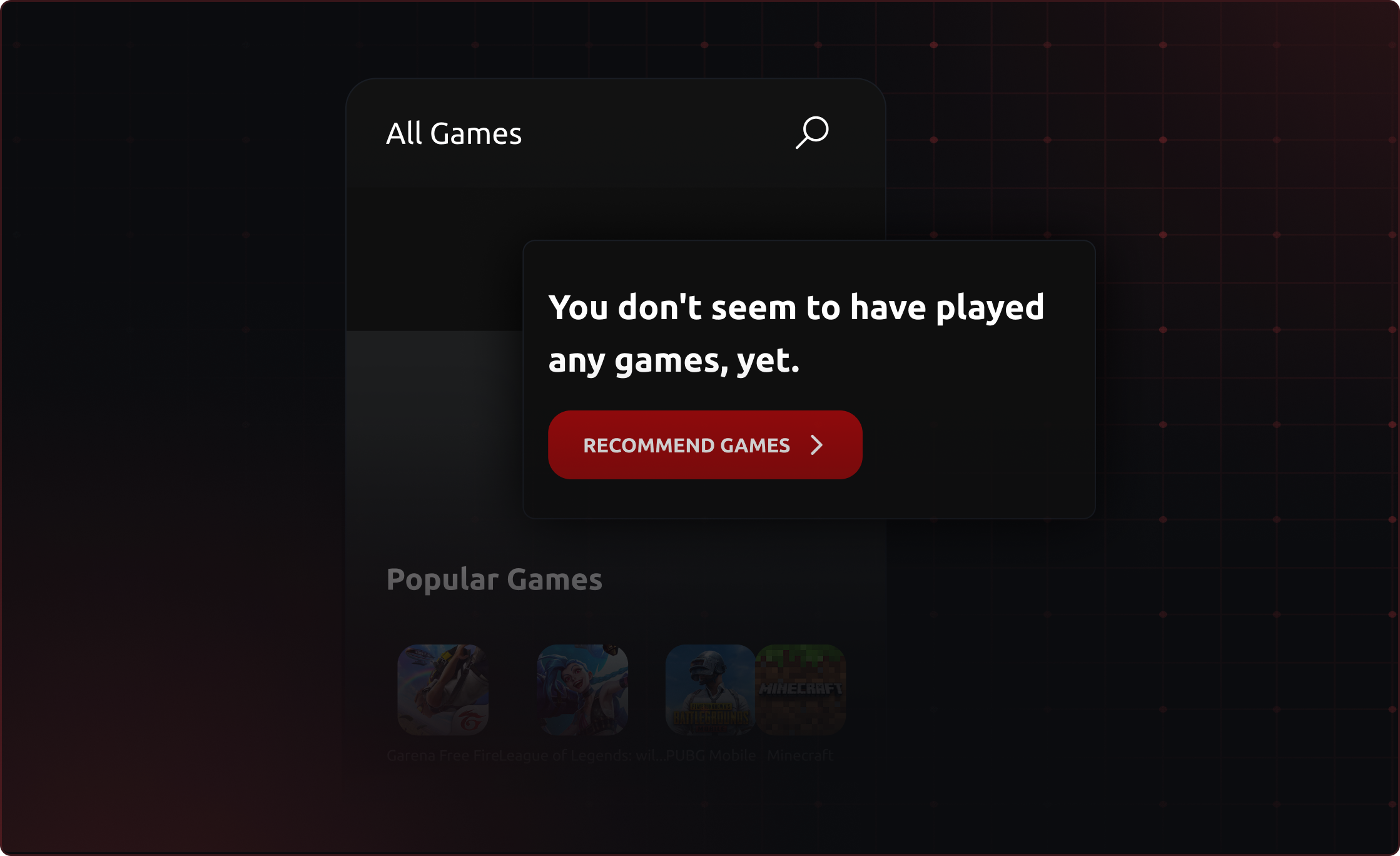
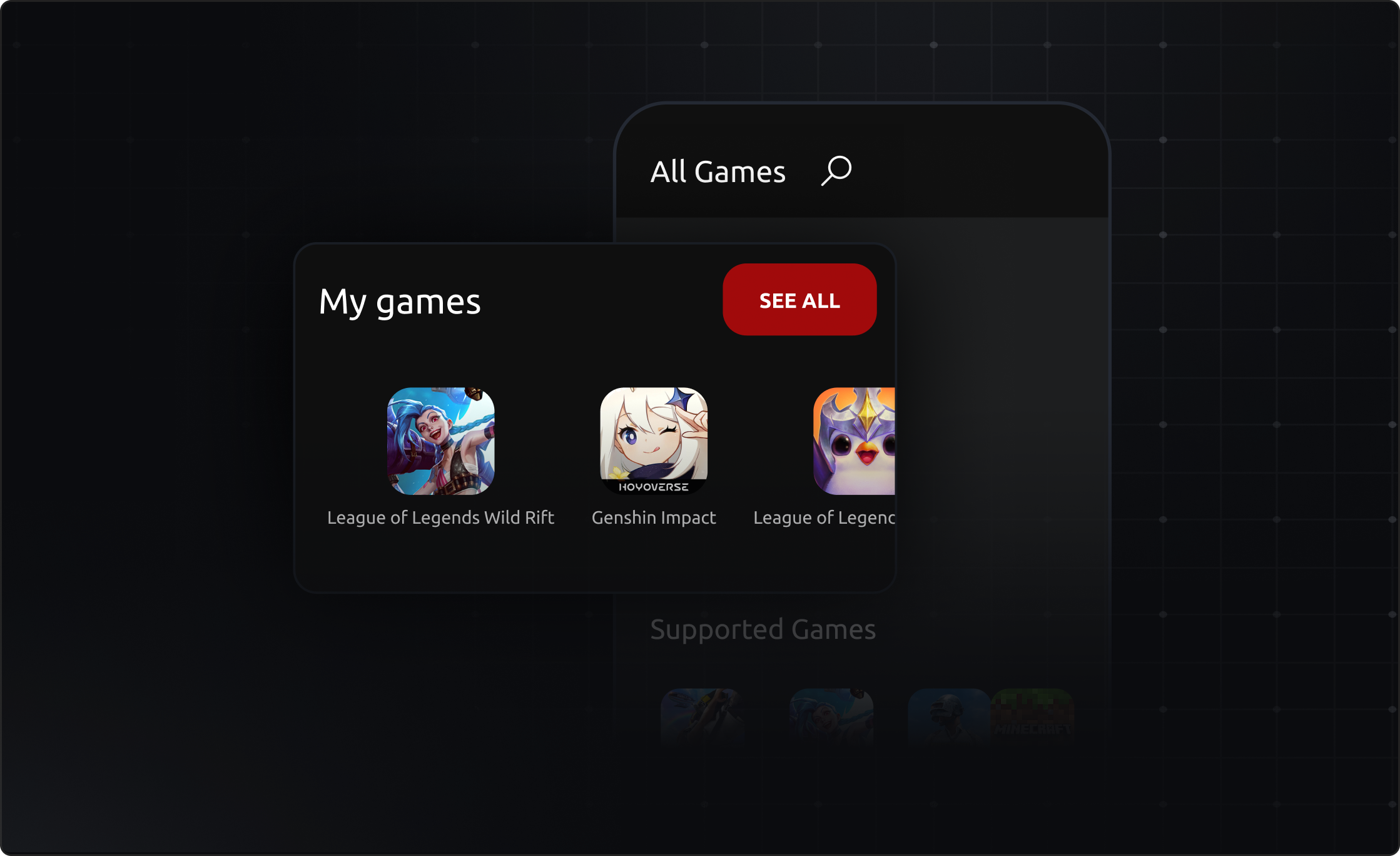
1 - Register on the site If it's your first time at ExitLag, register on the site, 2 - Download After clicking confirm your email, you will be directed to the software download page. If you have already registered before, enter your access data on the software login page and proceed to Download 3 - Choose the game Now it's time to choose the game you want to optimize with ExitLag! Scroll down to view all available games or enter the title you want in the "Search" field located in the upper left corner of the screen. 4 - Select the server region Once you find the game you want, click on it with the left mouse button and, in the "Select a Region" field, select the region where the server is hosted. Once the software has analyzed the best connections for your route, click on the "Apply Routes" button. 5 - Enter the game Finally, just open the game that is already being optimized by ExitLag! The application data will be highlighted in the "CONNECTED" field.
JWe are currently testing ExitLag on Android devices. For more information, visit our page by clicking here.
You can test ExitLag only once. If this is your first time testing, see the chances that can lead you to a trial not granted: Our software can identify the use of virtual machine, so we suggest you to shut down the VM and install the software correctly; If you purchased a plan before activating the trial, you will not be eligible for the trial; If it is identified that you have another account that has already used the trial, you will not be able to test again. If you do not comply with any of these rules, contact our support so that we can better understand your case.
Chat To talk to our team through chat, just go to the icon in the corner of the page. It's fast and simple! This is our chat opening hours:Monday to Friday: 08:00 to 22:00Saturday and Sunday: 09:00 to 17:00(GMT-3 | Brasilia time) Request form If you don't have time to interact with our chat, you can send a request through our FAQ.Just go to Submit a Request, fill in all the fields and send the request. Ready! You will receive a response to your email. As a reminder, our opening hours are:Monday to Friday: 08:00 to 22:00Saturday and Sunday: 09:00 to 17:00(GMT-3 | Brasilia time) WhatsApp Our support is also present on WhatsApp! You can contact us by clicking here, or you can save our number: +55 (11) 91646-2445 As a reminder, our opening hours are:Monday to Friday: 08:00 to 22:00Saturday and Sunday: 09:00 to 17:00(GMT-3 | Brasilia time) E-mail You can send us an email to our box: support@exitlag.com Our support will get back to you and you can keep your interaction by email if you prefer. As a reminder, our opening hours are:Monday to Friday: 08:00 to 22:00Saturday and Sunday: 09:00 to 17:00(GMT-3 | Brasilia time) Social media Are you browsing social media and have any questions? You can send us a direct and we'll answer you there! You can check out our social media at the bottom of this page. Just click on the link, and you will be redirected!
ExitLag is software developed by gamers for gamers that optimizes your connection making it stable, decreasing ping and ridding you of the dreaded freezes or spikes. In addition to optimizing your connection, ExitLag amplifies your game's performance by increasing frames per second rates with the FPS Boost tool, giving you the best resources and making getting you ahead
ExitLag is software developed by gamers for gamers that optimizes your connection making it stable, decreasing ping and ridding you of the dreaded freezes or spikes. In addition to optimizing your connection, ExitLag amplifies your game's performance by increasing frames per second rates with the FPS Boost tool, giving you the best resources and making getting you ahead